Shoe Repair Software
Repair, Shoe Care and Bespoke Cobbler Management
The whole process, from taking the customer's details to handing the shoes back, in one panel. No installation, no monthly subscription — you pay once and the software is yours.
- No installation needed
- Phone, tablet and desktop
- Daily automatic backup
Ownership, Not Subscription
Most shoe repair and shoe care programs on the market run on a monthly subscription. The day you stop paying, you lose access to both the system and your data. We do the opposite.

One-Time Payment
You pay the setup fee once. There is no monthly, yearly or per-user charge. The price does not change no matter how many people use the system.

The Software and Data Are Yours
The system is installed on your own hosting account and the database stays in your hands. Even if we part ways one day, the system keeps running.

On Your Own Domain
The program opens at yourcompany.com under your own brand. You are not a numbered customer account inside someone else's shared panel.

No Lock-In
You can export your lists to Excel at any time and download a full backup of the database. The exit door always stays open.
How Much Do You Save in the Long Run?
With a subscription program the payments never end; they start again every month. With a one-time setup your cost is fixed at the outset. The difference is easiest to see across a five-year window.
Five years, 60 months, 60 separate invoices. And the day you stop paying, your access to the system and your history is cut off.
You pay once at setup. In the fifth year and in the tenth, the same system keeps running and it belongs to you.
For most businesses the break-even point is passed within the first year. Every year after that stays in your pocket.
Your only ongoing cost is the hosting and domain fee for the server the system runs on. That is the annual price of a standard cPanel package, paid directly to the hosting company — not to us.
What the Program Covers
Everything the daily flow of shoe repair, shoe care and bespoke cobbling requires, gathered into one system.

Customer and Item Tracking
The shoe's brand, type, colour, leather and the work to be done — dyeing, heel replacement, sole gluing, stitching, buckle replacement — are recorded line by line on the ticket. Every past ticket for the same customer is one click away.
Barcode and QR Labelling
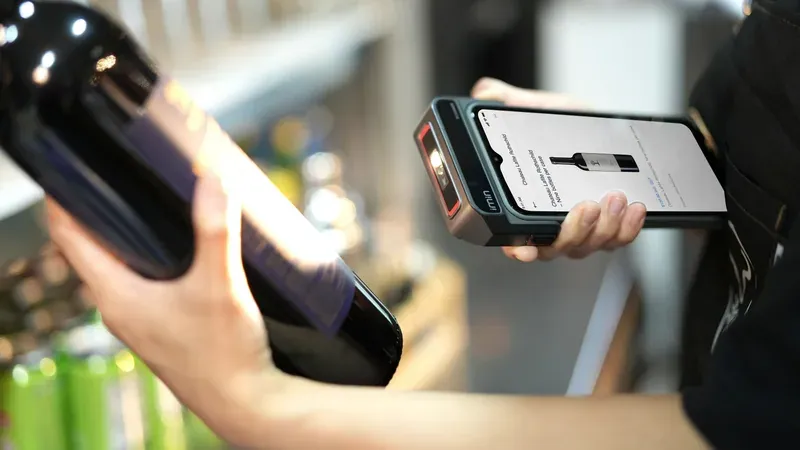
A unique barcode label is printed for every pair and stays on the shoes. Scan it at handover and the ticket appears instantly; mixing up pairs on busy days simply stops happening.
Automatic SMS Notification
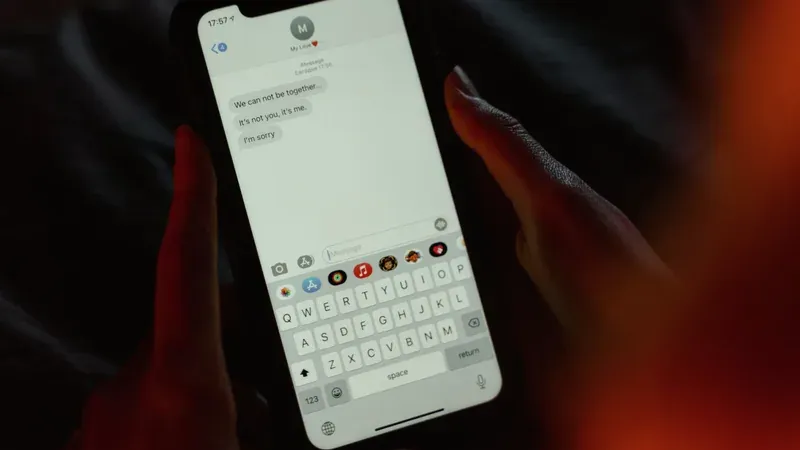
When the shoes are ready an automatic SMS goes to the customer. For jobs left uncollected for months you send a bulk reminder with a single click, and your outstanding payments start coming in.
Fast Till and Credit Tracking
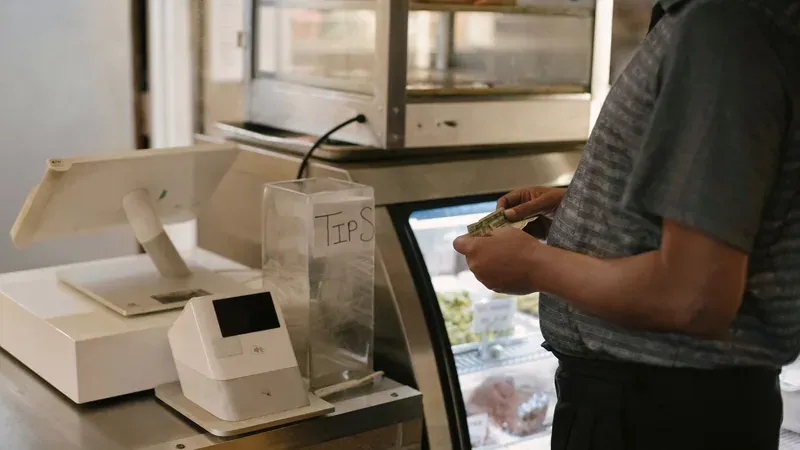
Total, paid and remaining amounts are visible on every ticket. For customers you serve on credit a real account ledger is kept, so you never have to guess who owes what.

Access From Any Device
The program is a web address. You reach the same data from the shop computer, the tablet on the bench or your phone at home. No installation, no licence file, no USB dongle.

Bespoke Production and Order Tracking
For made-to-order work the model, last, sole model, leather type and colour, lining colour, instep, quarter and shoe size are each recorded separately. You track manufacturing, not only repairs.

Ticket and Label Printing
Customer tickets and pair labels print straight to a thermal or label printer. You can edit the ticket layout with your own shop details.
Reports and Cash Flow
Monthly turnover, a breakdown by operation, overdue jobs and uncollected receivables are gathered on one screen. The cash book and expense records let you close the month comfortably.

Photo-Backed Sales and Handover Records
A photo of the item received or sold is attached to the ticket. You have a record against the "that is not how I brought it in" conversation.

Daily Automatic Backup
The database is backed up automatically every day and copied to a cloud account. You never have to remember to take a backup.
Data Migration From Your Old Program
The customer and ticket history from the desktop program you have used for years is carried into the new system. You do not have to start from scratch.
Colour-Coded Status Tracking
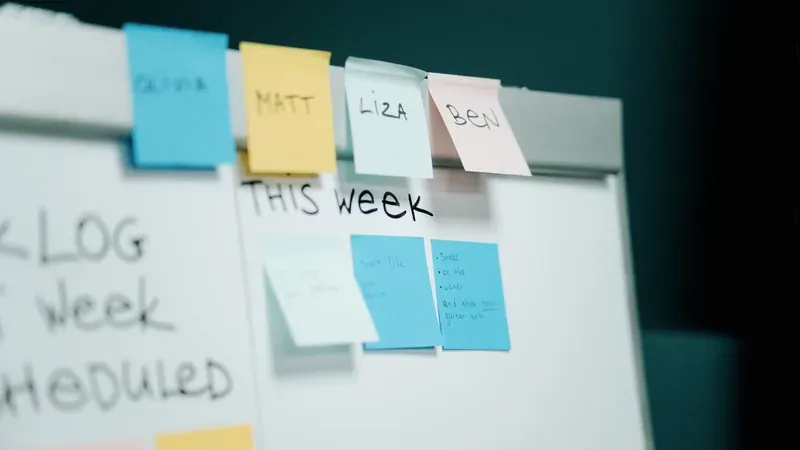
New, on the last, in progress, completed, delivered — every ticket's stage is obvious from its colour. Overdue jobs turn red and never slip through.
See the System
The screenshots below come from the working system; customer details have been replaced with sample data.
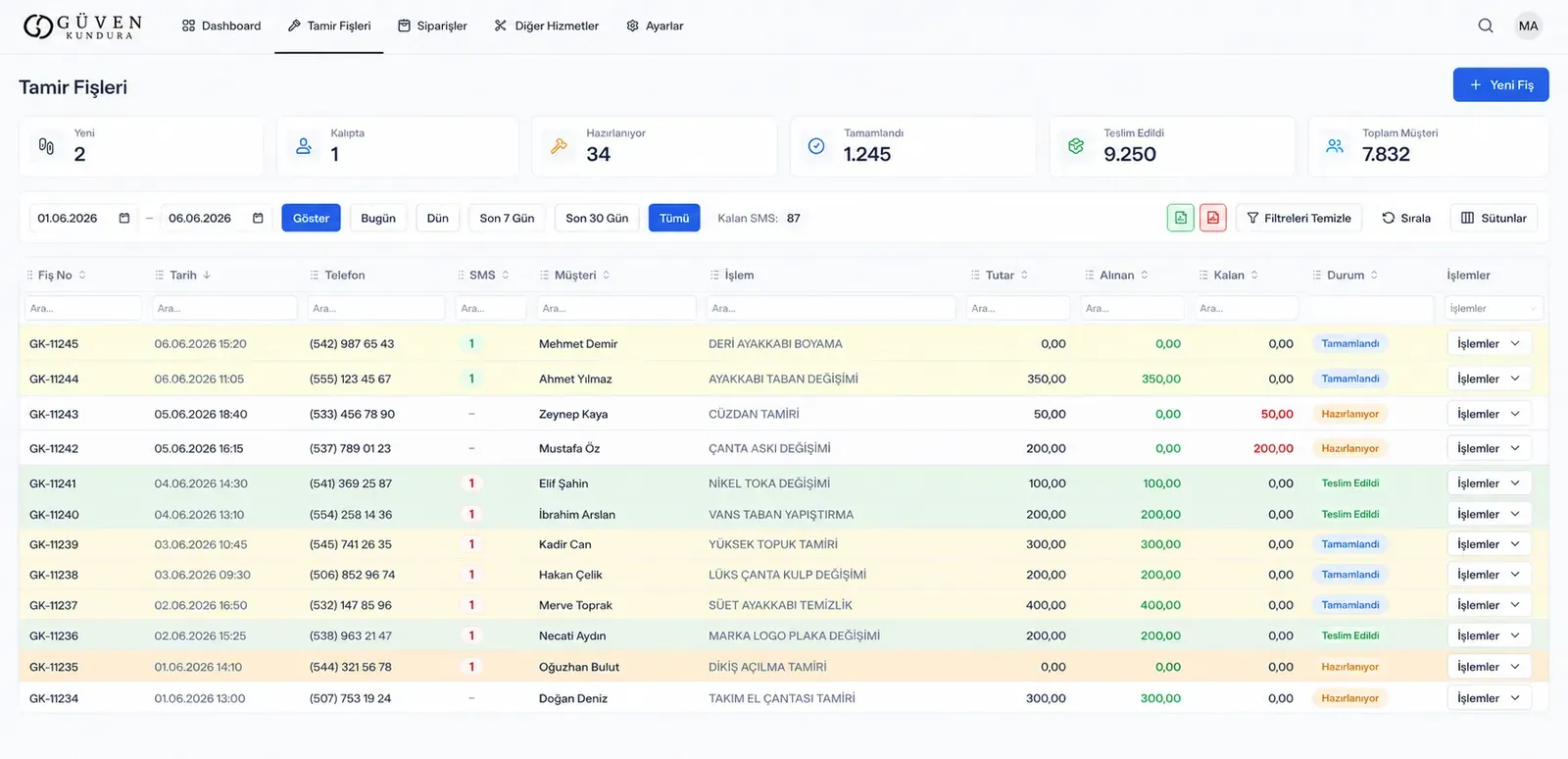
Repair Tickets Screen
Every ticket in one list: number, date, phone, customer, operation, total, paid, remaining and status. You search within each column separately, hide the columns you do not need and export the list to Excel. Row colours tell you which stage the job is at.
Dashboard
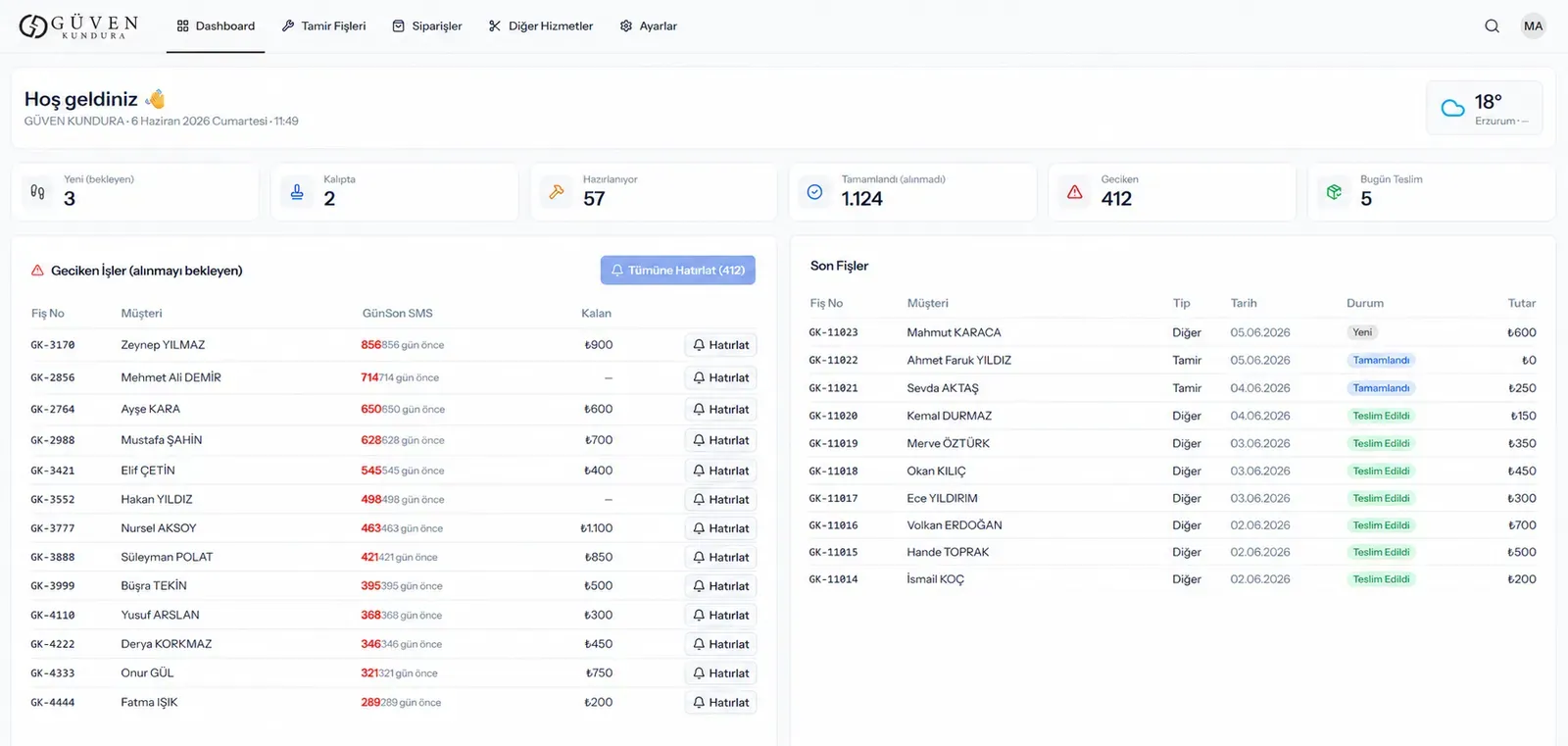
The day at a glance: how many jobs are new, on the last, in progress and waiting for handover, plus overdue receivables. From the overdue list you send bulk reminder texts with one click.
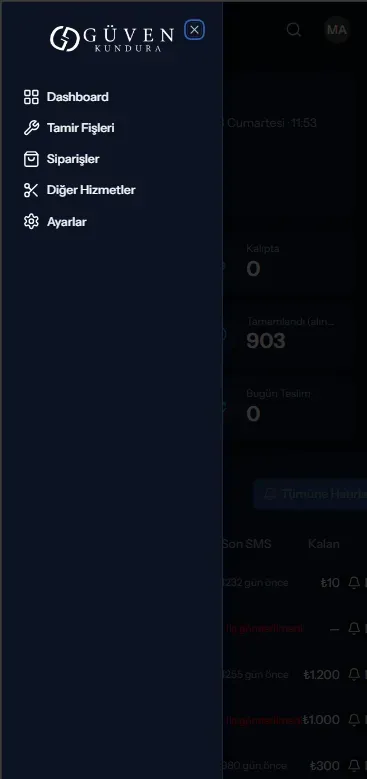
Phone View
The same system in your pocket. When you are away from the shop you can open a ticket, change a job's status, call the customer directly and check the day's takings.
Comparing the Three Options
See the difference between an old desktop program, a subscription cloud program and a web-based system that belongs to you.
| Comparison | Old desktop program | Subscription cloud program | Çelenk Yazılım solution |
|---|---|---|---|
| Payment model | One-time, but again with every version | Every month, indefinitely | One-time setup |
| Who owns the software? | Licence stays with the developer | Entirely with the provider | Yours, on your own account |
| Where does it run? | Only the computer it is installed on | Any device | Any device |
| Installation | Separate install on every computer | Not required | Not required |
| If the computer breaks | Work stops, data is at risk | Unaffected | Unaffected |
| Backups | Manual, and usually forgotten | At the provider's mercy | Daily automatic, copy stays with you |
| Customisation | Very limited | The same interface for everyone | Built around how you work |
| Bespoke production tracking | Present in some | Usually absent | Includes last, sole, leather and instep |
| If you walk away | Data stays locked in an old format | Your access is cut off | Both the system and the data stay with you |
How the Daily Flow Works
Four steps behind the counter. Nothing more.
Open the ticket
Type the customer's phone number; if they have been in before, their details fill in by themselves. You pick the shoes and the work to be done from a list.
Print the label
The barcode label comes out of the printer and goes onto the pair. The customer gets their ticket.
Move the status along
You change the status when the job goes on the last and when it is finished. The moment it is marked complete, the customer gets an automatic SMS.
Scan and hand over
When the customer arrives you scan the barcode; the ticket, the amount and the remaining balance appear on screen. You record the payment and hand the shoes over.
Who Is It For?
Any business working with shoes and leather that has grown tired of tracking its workload in a paper ledger.
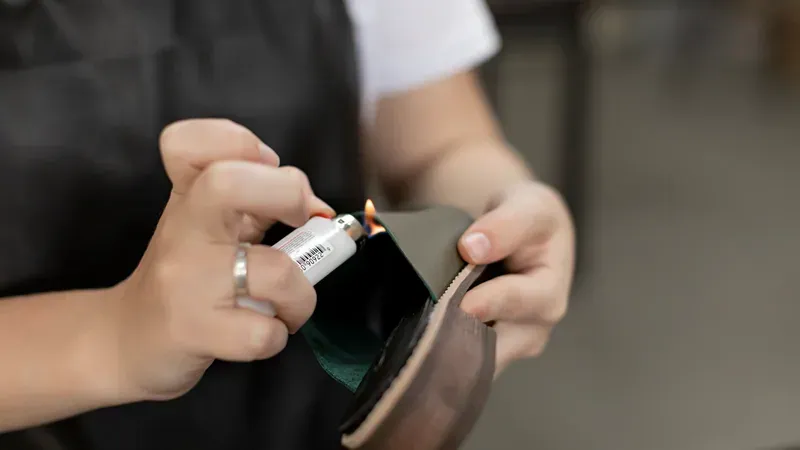
Shoe Repair Shops
Built for workshops taking in dozens of pairs a day. Which pair belongs to whom, when it was promised and how much has been collected all stay on record.
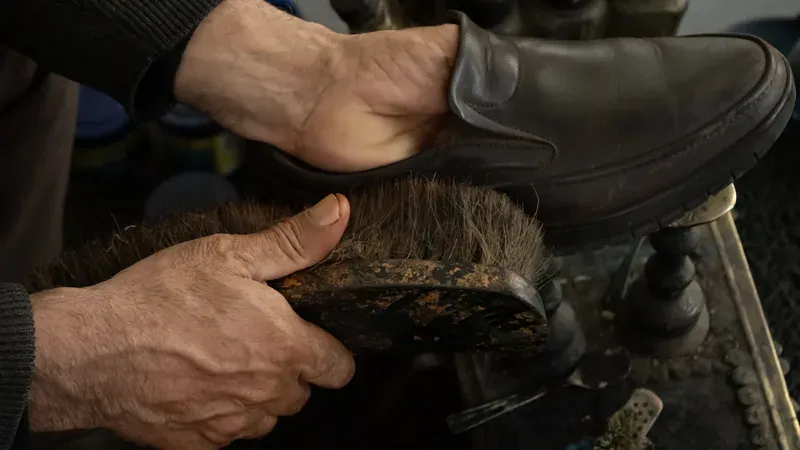
Shoe Care and Polishing Salons
In dyeing, cleaning and care work the number of pairs climbs fast. Barcode labels and status tracking keep handovers free of confusion.

Bespoke Cobblers
Workshops making shoes to order get a separate order module carrying last, sole, leather and measurement details. Most competing programs do not have this.
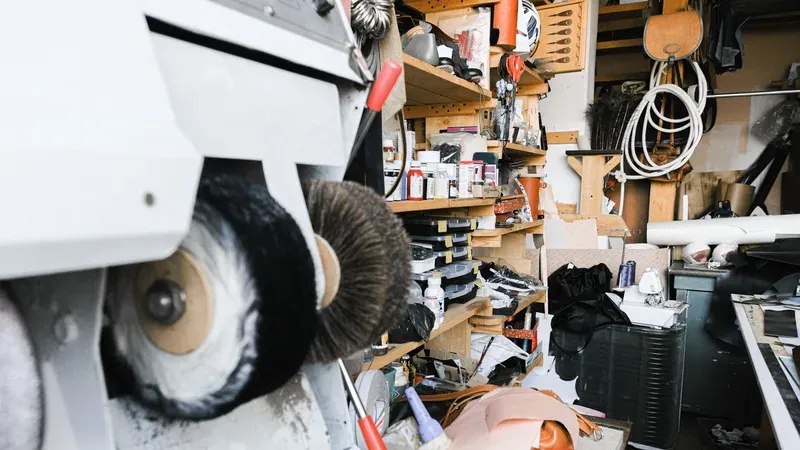
Bag, Leather Goods and Saddlery Repair
Bag handles, wallet stitching, belt and suitcase repairs are tracked in the same system. You define the operation list using your own terminology.
Your Work Does Not Stop
The most important thing about a tracking program is not what it does on a good day, but what it does when a bad one arrives.
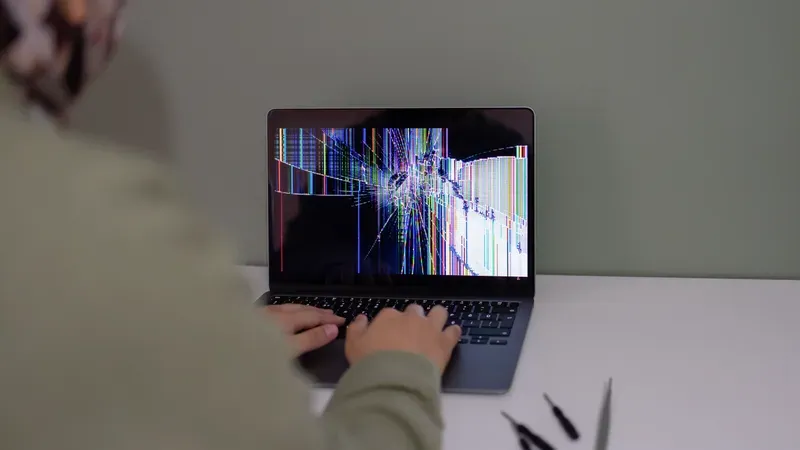
If your computer breaks
The data lives on the server, not on the computer. You open your phone and carry on where you left off. No installing software on a new machine, no moving licences.
If data is deleted by accident
A backup is taken automatically every day and copied to a cloud account. Going back to that day's data is possible.
If the internet goes down
You keep working through your phone's connection. When the line comes back, every device in the shop sees the same up-to-date data.

If something goes wrong
You reach the person who built the system directly. No call-centre queue, no ticket number, no "it has been passed to the relevant department".
Güven Kundura: seven years of history, moved intact
Güven Kundura in Erzurum was frustrated by the slowdown and the data-loss risk of the Windows program it had used since 2019. The customer and ticket history in the old backup was cleaned and migrated to the new system, with not a single record left behind. The system is in daily use today, from the shop computer and from a phone.
- tickets migrated
- 9,985tickets migrated
- customer records
- 6,145customer records
- of unbroken history
- 7 yearsof unbroken history
The Setup Process
We hand it over working, with the history from your old program already inside.
Meeting and review
We look at your current program and your daily workflow, and decide together which fields you genuinely need.
Data migration
Your customer and ticket history is transferred from the old program's backup; duplicate records are merged and broken balances corrected.
Installation and tailoring
The system is installed on your own domain. Your brand, operation, colour and leather lists are defined using the names you actually use.
Training and handover
We show you how to use it on site, and stay with you for the needs that surface in the early weeks.
Frequently Asked Questions
The questions we meet most often, with honest answers.
I have a single shop; does it suit multiple branches too?
Both work. For a repairer working in one shop we do a simple setup. In businesses with several branches, each branch sees its own tickets while head office watches the summary and turnover of all of them on one screen. You pay nothing extra as the number of branches or users grows.
Are automatic SMS notifications sent to customers?
Yes. When the shoes are finished the customer gets an automatic SMS, and you can edit the wording yourself. For jobs left uncollected for a long time you can also send a bulk reminder with one click. Sending goes through NetGSM; the message credit is paid directly to the operator. WhatsApp notifications can be added on request.
Is there really no monthly payment?
There is no monthly payment for the software; you pay the setup fee once. The only ongoing cost is the hosting and domain fee for where the system lives. That is the annual price of a standard cPanel package, paid directly to the hosting company rather than to us.
Where is my data kept?
On your own hosting account. You can download a full backup of the database whenever you like. We access it only for development and support, and we will close that access if you ask.
Will the records in my old program be transferred?
Yes, that is a standard part of the job. We take a backup of the old program's database and convert the customer and ticket history into the new structure. Duplicate customer records are merged and balances that have degraded over the years are corrected. At Güven Kundura, 9,985 tickets were moved this way.
Do I need to install software on my computer?
No. The system is a web address you open in a browser. When you buy a new computer or tablet there is nothing to install and no licence to move.
Can I use it from my phone?
Yes. The interface is adapted to phone screens; you can open tickets, change a job's status, call the customer and see the day's turnover. You can keep an eye on the work even when you are not in the shop.
Do I have to buy a barcode printer?
It is not compulsory, but we recommend it. You can work by searching the ticket number without labels; with labels, though, handover takes seconds and mixing up pairs practically ends. If you already have a thermal printer, in most cases we use that one.
How long does setup take?
A simple installation with no data migration is usually up and running within one to two weeks. If data has to be carried over from an old program, that can stretch to three to six weeks depending on the state of the data.
What does it cost?
The price depends on how much data has to be migrated and which modules your business needs. A short conversation lets us pin down your requirements and prepare a quote for you.
Can new features be added later?
Yes. Because the software belongs to you, the system can change when the way you work changes. With off-the-shelf packages you hear "that feature doesn't exist"; here, your new requirement gets built.
Can we work together if I am outside Ordu?
Yes. Setup and training can be done remotely, and we demonstrate the system by screen share. Face-to-face work is also possible for businesses in Ordu and the wider Black Sea region.
Let's Get Your Shop Off the Paper Ledger and the Old Program
In a short conversation we will listen to how you work today and show you the system live. If it is not right for you, you are under no obligation.