UWILD Report Software
From dive findings and 150 photos to a class-ready PDF
Most diving contractors still build their UWILD and in-water survey reports in Word — retyping vessel particulars, then hand-placing photo after photo until the pages line up. This software does that part for you, in your own report format.
- Class-shaped report structure
- Photos paginate themselves
- Adapted to your own template
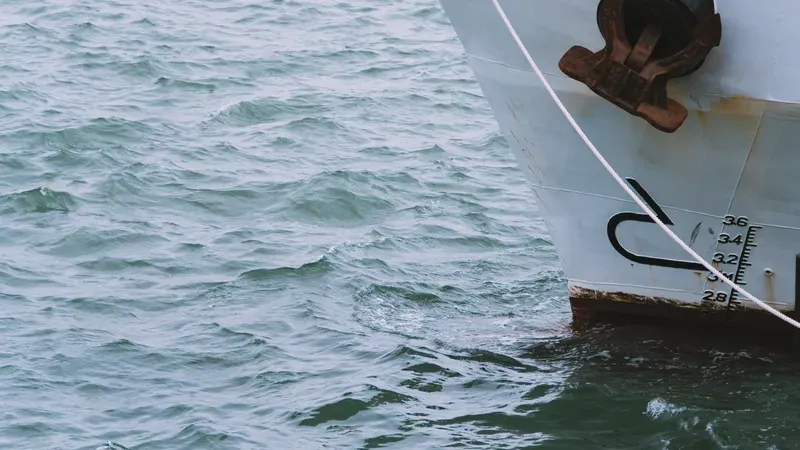
The Report Is the Job Nobody Budgets For
The dive takes a morning. The report takes days — and it is the only part of the job the client actually keeps.
How it is done today
Open last month's report and save it under a new name. Retype the vessel particulars, the IMO number, the conditions. Pull 150 photos off the camera, then drop them into the template one by one, eight to a page, renumbering every caption when a page break moves. Export to PDF. Notice a section is in the wrong order. Start that part again.
How it works here
Pick the vessel — everything you entered last time is already there. Tick the sections you surveyed. Fill in what you found. Drag the photos in and watch the editor lay out the actual PDF pages as you go. Press one button for the finished report.
Nothing here removes the surveyor's judgement. It removes the typing, the montage and the page arithmetic.
What the Software Does
Every part of it exists because a real report needed it.
Class-Shaped Sections
Ten standard inspection areas — flat bottom, vertical sides, bilge keels, sea chests, propeller, rudder, bow thruster, anodes and cathodic protection, echo sounder and speed log, stern thruster. Tick the ones you surveyed; the rest never appear in the report.
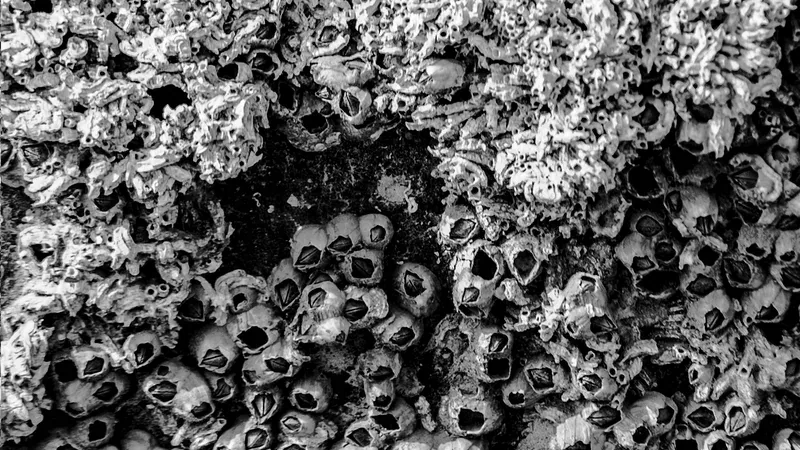
Biofouling Assessment
Six standard growth types — slime, sea grass, barnacles, mussels, tube worms and others — each with coverage percentage and height. Severity is worked out for you from the coverage figures, so light, moderate and heavy mean the same thing in every report you issue.
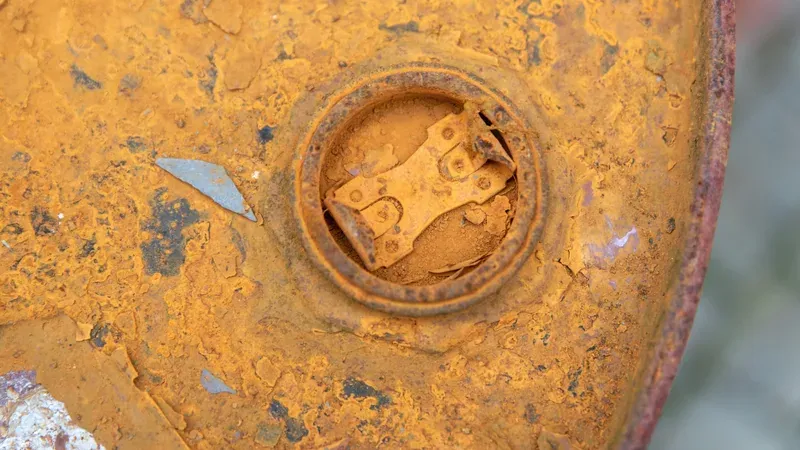
Structural and Coating Findings
Each section carries its own catalogue: peeling, blistering, cracking, corrosion and wear down on plating; damage to grids and missing parts on sea chests; cavitation, blade condition, hub, oil leakage and rope guard on propellers. Write freely or pick a phrase you have used before.
Photos That Paginate Themselves
Eight photos to a page, dragged into the order you want, split into before and after where the job calls for it. The editor shows the real PDF pages while you work — and warns you when deleting one photo will shorten the report by a whole page.
Dive Conditions, Fetched
Current, sea state, visibility, wind direction and speed, air temperature — pulled automatically for the position and date of the operation. No more copying yesterday's numbers because nobody wrote them down.
Vessel and Client Register
IMO number, flag, port of register, class society, gross tonnage, dimensions, owner, manager and agent. Entered once. Every later report for that vessel opens already filled in.
English and Turkish Reports
The report language is a field, not a separate system. The same survey data prints in English for the class surveyor and in Turkish for the local file. English is the default.
Certificate Tracking
Certificate number, validity date and approving body travel with the report and sit in their own register, so an expiry is something you see coming rather than something a surveyor points out.
Sequential Report Numbers
Every report gets its number from a single counter, allocated safely even when two people are drafting at the same time. No duplicated references, no gaps you cannot explain.
One Button for the PDF
Cover page, general information, section by section findings, photo pages, running header and footer with the certificate serial, signature block. Preview it first; issue it when it is right.
Inside the Editor
Screens from the working system.
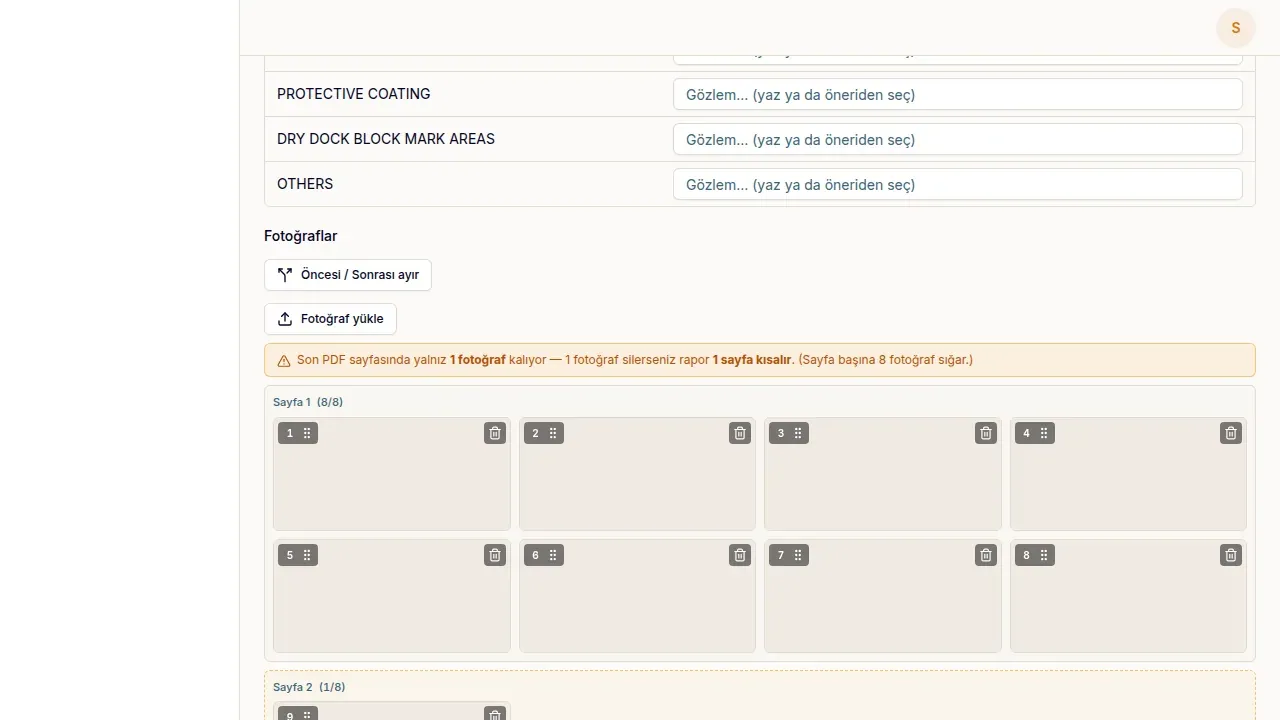
Photo Pages, Laid Out as You Work
Photographs are grouped into the pages they will occupy in the PDF — eight to a page, numbered, draggable. The amber warning appears when the last page holds a single photo, telling you that removing it makes the report one page shorter. This is the part that used to take an afternoon in Word.
Your Report Format, Not Ours
This is the part off-the-shelf software cannot do. Every contractor has its own template, and every class surveyor has their own emphasis. We wrote this software, so we can bend it to yours.
Your layout and letterhead
Cover design, header and footer, logo, stamp, the order sections appear in — set to the report your clients already recognise.
Your finding catalogues
The wording you use for defects is yours, not a fixed list from a vendor. Add rows, rename them, drop the ones you never write.
Your fields
If your reports carry a field ours does not — a measurement table, an equipment list, a client reference — it gets added. That is normal work, not a special request.
Your server, your data
The system runs on infrastructure you control. Vessel history, client records and every report you have issued stay with you.
Where This Sits
There is software for diving operations and software for fleet owners. The report itself falls between them.
| Comparison | Dive log and video software | Owner-side inspection platforms | This software |
|---|---|---|---|
| Built for | Dive supervisors and ROV crews | Shipowners and fleet managers | The contractor who writes the report |
| What it produces | Dive logs, video overlays, personnel records | Fleet condition dashboards, 3D hull models | The class-ready survey report |
| Report format | Generic export | Theirs | Yours |
| Photo handling | Video frame capture | Geo-referenced points on a hull model | Report pages, eight per page, before and after |
| Biofouling and coating assessment | Not the purpose | Automated estimates | Surveyor's judgement, recorded consistently |
| Adapted to your workflow | Configuration only | Configuration only | Built and extended for you |
| Where the data lives | Vendor cloud | Vendor cloud | Your own server |
Who It Is For
Anyone whose deliverable at the end of the dive is a document.
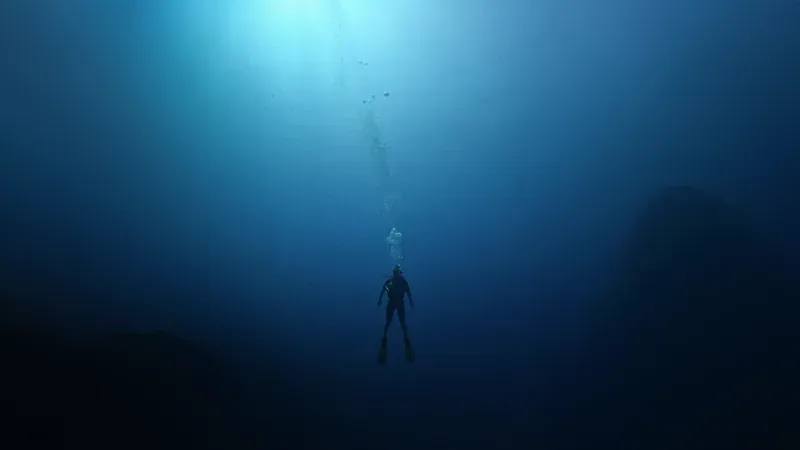
Commercial Diving Contractors
Companies running UWILD, in-water surveys, hull cleaning and propeller polishing, who hand a written report to the owner or the attending surveyor at the end of every job.
Marine Survey Companies
Surveyors who issue condition reports on underwater parts and need the same structure, the same wording and the same quality from one report to the next.
Ship Husbandry and Underwater Services
Port-based operators serving vessels at anchorage and alongside, where several jobs a week each end in their own document.
ROV Inspection Providers
Teams working from footage rather than dive slates. Frames drop into the report the same way photographs do.
Alfa Diving: the report that used to be built by hand
Alfa Diving and Underwater Services works the Istanbul anchorages. Its UWILD and in-water survey reports were produced in Word and Excel, with photographs placed into the pages by hand — the reference report runs to 35 pages and more than 150 photographs, prepared for a class society. The reporting module now writes those reports in the browser and produces the PDF at the end. It sits inside a wider system that also runs quotes, clients, vessels, invoicing and cash.
- pages in the reference report
- 35pages in the reference report
- photographs in one report
- 150+photographs in one report
- inspection sections covered
- 10inspection sections covered
How We Start
The first thing we ask for is one of your finished reports.
Send us a report you have issued
A recent PDF tells us more than any requirements meeting: your sections, your wording, your layout, what your clients expect to see.
We map it against the system
What already fits, what needs a new field, what needs a different page. You get a straight answer on scope before anyone commits.
Installation and adaptation
The system goes onto infrastructure you control, with your letterhead, your section list and your finding catalogues.
First reports side by side
You issue the first few reports with us watching, and we fix what the real world shows. That is where the last ten percent gets sorted.
Frequently Asked Questions
Including the ones with awkward answers.
Does it record ultrasonic thickness (UT) measurements?
Not today. The system covers visual inspection reporting — biofouling, coating and structural condition, and photographic evidence. If your reports include UT logs or cathodic protection potential readings, those tables can be added; adapting the software to the report you actually issue is a normal part of the work rather than a special request. We would rather tell you this now than in the third meeting.
Which classification societies does the report suit?
The structure follows the layout class surveyors expect from a UWILD or in-water survey: general information, scope and evaluation, section by section findings, photographic evidence. Reports prepared for RINA and ClassNK were the reference. There is no single approved template across societies, which is exactly why the format is adapted to yours rather than fixed by us.
Can it use our own report template?
Yes, and that is the point of it. Cover, letterhead, section order, the wording of your finding catalogues and the fields you carry are all set to your existing report. Your clients should not be able to tell that the document is now generated.
Do we have to use your ten sections?
No. Ten covers the standard scope, but the list is yours to change — remove what you never survey, add what you do. Sections you do not tick simply never appear in the report.
Where is our data kept?
On infrastructure you control. Vessel history, client records, photographs and every report you have issued stay with you, and you can take a full backup whenever you want.
Can several people work at the same time?
Yes. Report numbers come from a single counter that hands out one number at a time, so two people drafting at once cannot end up with the same reference.
How many photographs can one report hold?
There is no fixed limit. The reference report carries more than 150. They are grouped eight to a page, and the editor shows you the resulting pages while you work.
We use ROV footage rather than diver photographs. Does that work?
Yes. Frames extracted from footage upload exactly like photographs, and the report carries a field for the video link so the full recording stays reachable from the document.
Is it a subscription?
The software is built for your company and runs on your own infrastructure, so it is not a per-seat cloud subscription. The commercial shape — one-time build, or a fee per report issued — is something we agree with each contractor. Adding users does not change what you pay.
How long does setup take?
It depends almost entirely on how far your report differs from what is already built. A format close to the reference can be running in a few weeks; a substantially different report, or one carrying measurement tables, takes longer. We give you that answer after reading one of your reports, not before.
Can it handle quotes, invoicing and clients as well?
Yes. The reporting module is part of a wider system built for a diving contractor, covering quotes, client accounts, vessels, invoicing, income and expenses, and job profitability. You can take the reporting part alone or the whole thing.
Do you work with companies outside Turkey?
Yes. The work is done remotely — screen share for the walkthrough, email and calls for the rest. The reports themselves default to English because that is the language of the class surveyor, wherever the vessel is.
Send Us One of Your Reports
Not a requirements document — an actual PDF you have issued. We will tell you what would fit as it is, what would need building, and roughly what that means. If it is not worth doing, we will say so.